The peak you track
Import Bruker or CSV, identify gradient ramps and select local maxima from original data. Lines and panels display D and Rh for each resonance.
THE ORIGINAL IDEA, RENEWED
The classic DiffAtOnce workflow, centred on the spectrum. Select, track, fit and interpret your resonances in a renewed workspace.
The spirit of 2013.
A renewed way to work.
REGISTRATION AND APPROVAL
“Request sent · awaiting approval” confirms that this copy reached the server and awaits administrator review. Continue to the application is enabled when an active authorization is checked. The request does not create a web account or guarantee an approval deadline or automatic email.
For help before first approval, use Web support and include Legacy, version, state and the visible identifier. Copy identifier only copies that value; a support enquiry does not approve the installation. Keep identity.dpapi and credentials on your computer.
Registration and states, step by step → Open public support →DIFFATONCE LEGACY · ONLINE 1.3.1
Import Bruker spectra, select maxima, review attenuation and explore 3D shape models. Calibrate probes with all-ramp comparison and literature references, sync your library, and request calibrations shared by your laboratory.
Registration requires verification and approval. Browser computation; optional private cloud saving.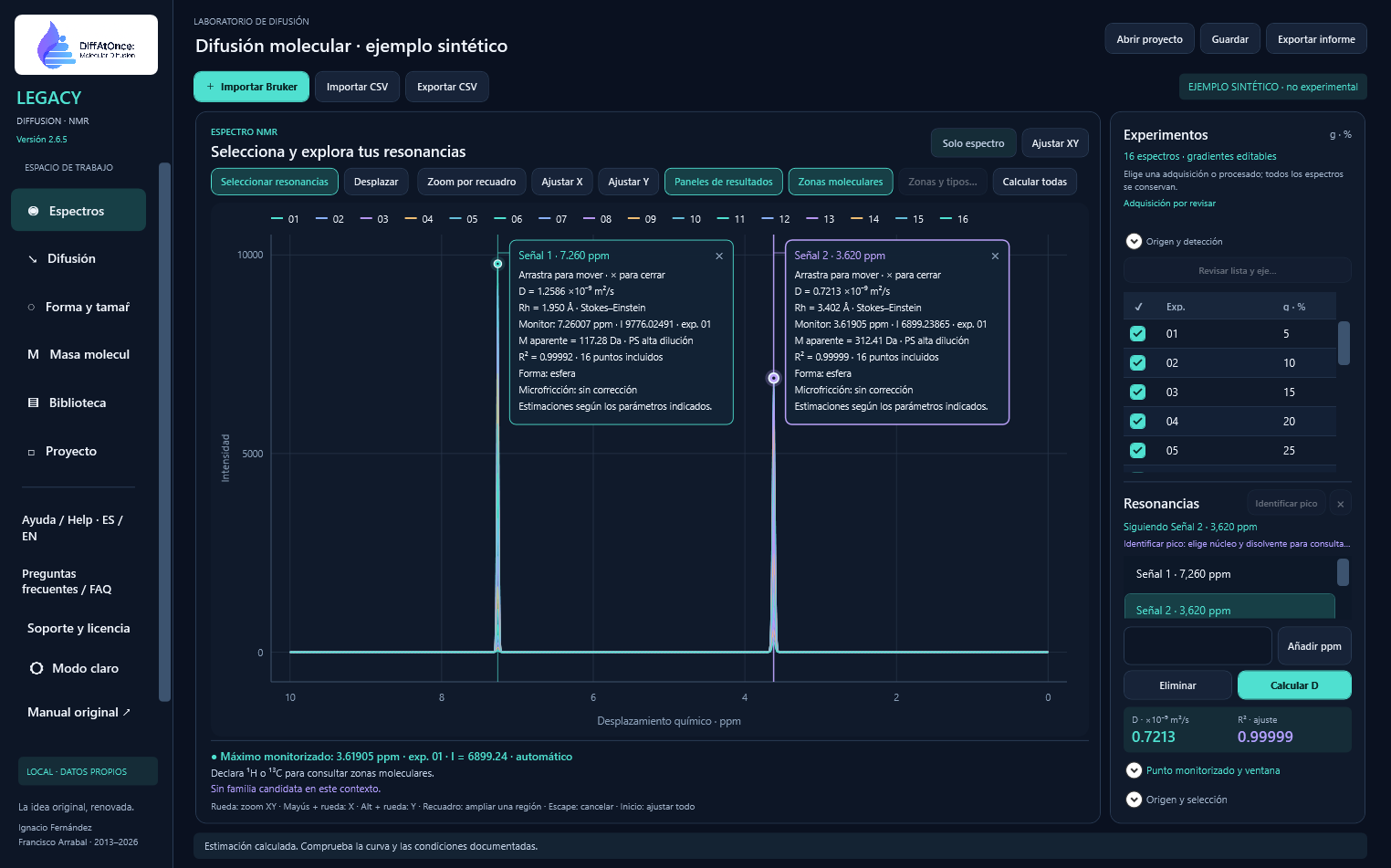
FROM SPECTRUM TO REPORT
Import Bruker or CSV, identify gradient ramps and select local maxima from original data. Lines and panels display D and Rh for each resonance.
Review the fit and noise tail. Include or exclude points and retain decisions for each resonance and ramp.
Apply temperature and internal-reference corrections, estimate Rh and compare sphere, cylinder, ellipsoid and microfriction models. Shape requires additional evidence.
Explore apparent molecular mass at high dilution or with concentration. Export PDF, PostScript, EPS, Excel and CSV with conditions, equations and provenance.
YOUR WORKSPACE
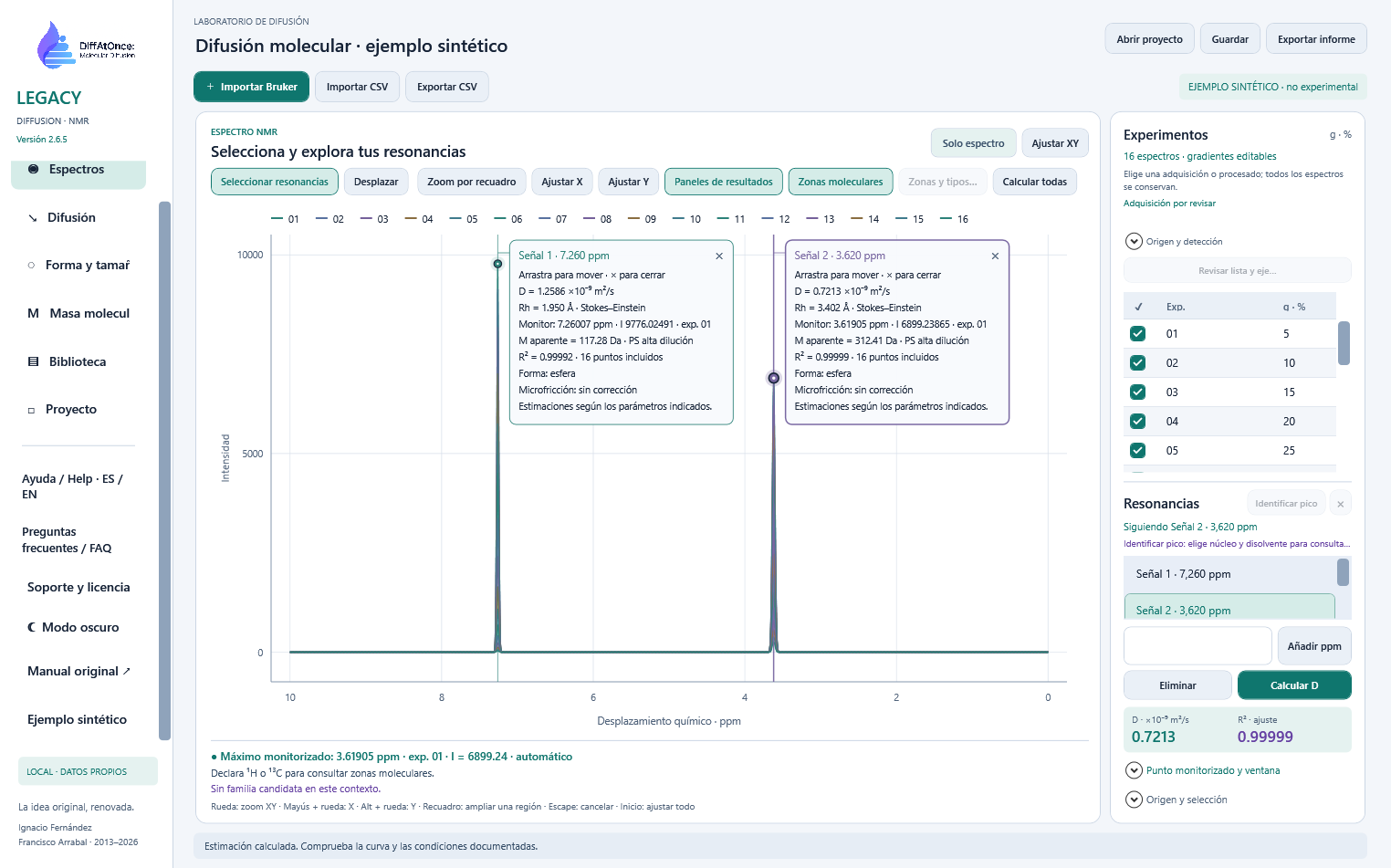
Switch themes in the sidebar. In light mode, traces and markers retain clear contrast against soft backgrounds. Your preference is remembered; spectra and results retain their values. Spanish and English help is built in and works offline.
Zoom with a selection box, fit X or Y and move or close resonance panels. Rendering preserves maxima and minima; calculations use the complete original data.
CONTROLS ALONGSIDE THE DATA
TBI, TBO, TBI LF and BBFO profiles; relative calibration with a standard or absolute calibration with documented Gmax. Import and export JSON profiles. Each series retains a snapshot of its applied profile.
Bruker 1r and pseudo-2D 2rr, pdata alternatives and CSV. Distinguish acquisitions using metadata and gradient cycles, without fixed experiment numbering.
Review candidates such as TTMS, TMS, TSP or DSS; confirm identity and operational D/Rh. Keep measured D separate from reference, temperature and viscosity factors, applied once.
Search by ppm, nucleus, solvent and companion signals. Molecular zones and families guide review; a documentary match does not confirm identity or shape.
Legacy focuses on selected resonances and logarithmic fitting. A single D supports an apparent-mass estimate within the chosen model, not Mn, Mw or dispersity. D and Rh do not determine a unique molecular shape either.
LEGACY 2.9.1 · VISUAL TOUR
Windows desktop tour captured in Legacy 2.6.5 using the included synthetic example. The download corresponds to the version shown on its button. Images are not experimental data or calibration validation; open them to inspect the controls.
Original maxima, markers and independent resonance panels; adjustable zoom and axes.
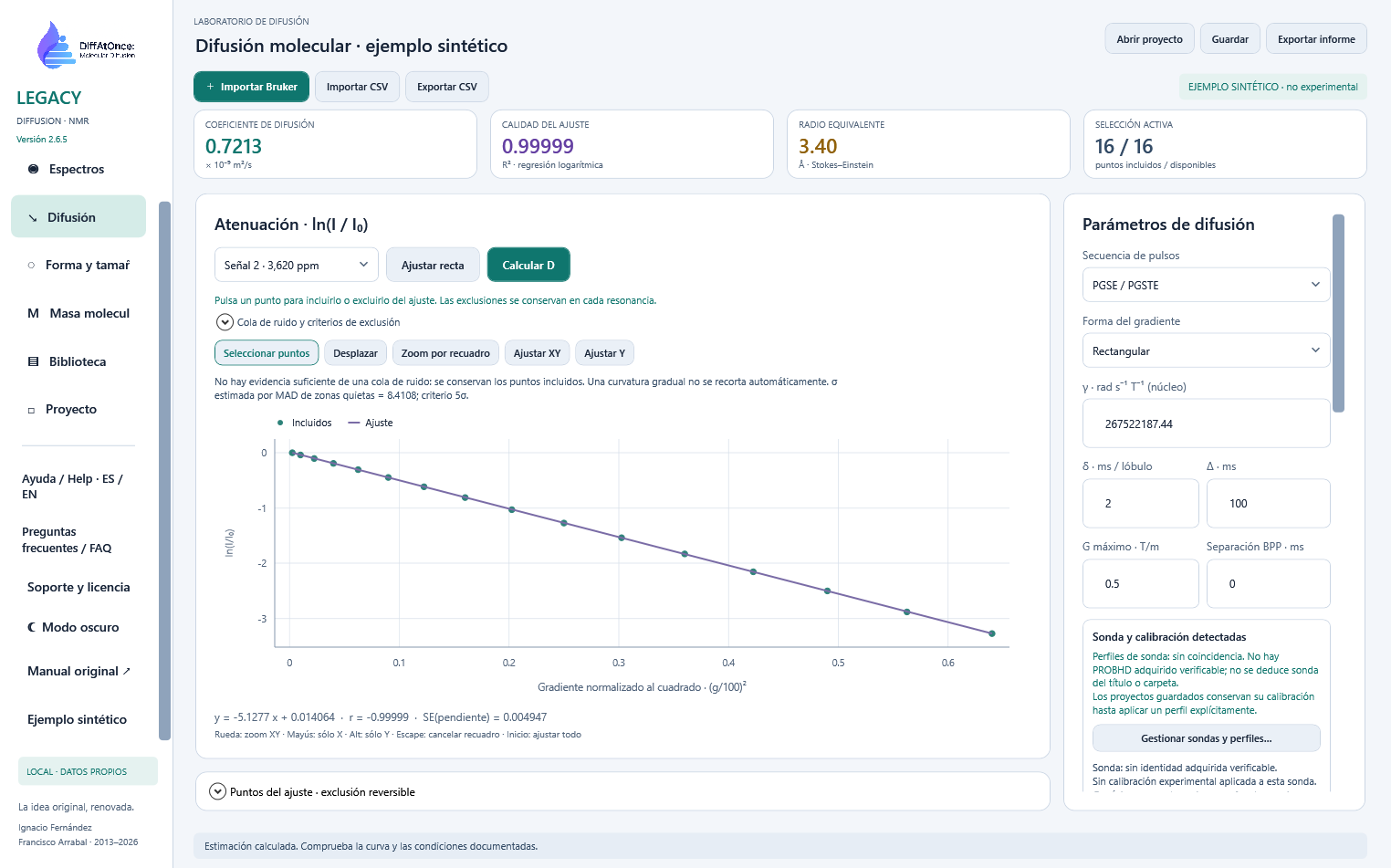
ln(I/I₀), regression line, reversible point selection, tail diagnosis and acquisition conditions.
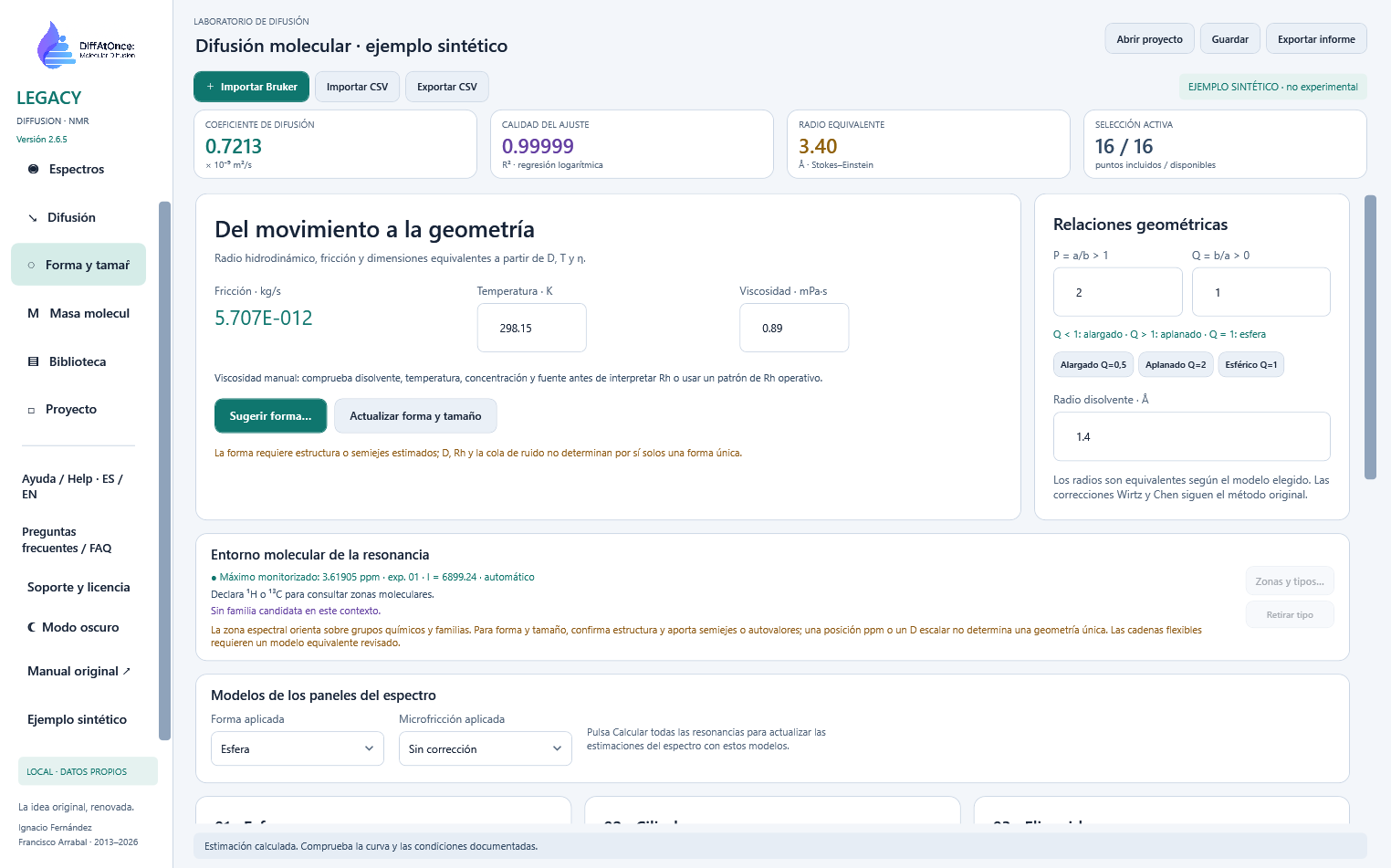
Temperature, viscosity and equivalent geometries. Shape suggestions require structural evidence.
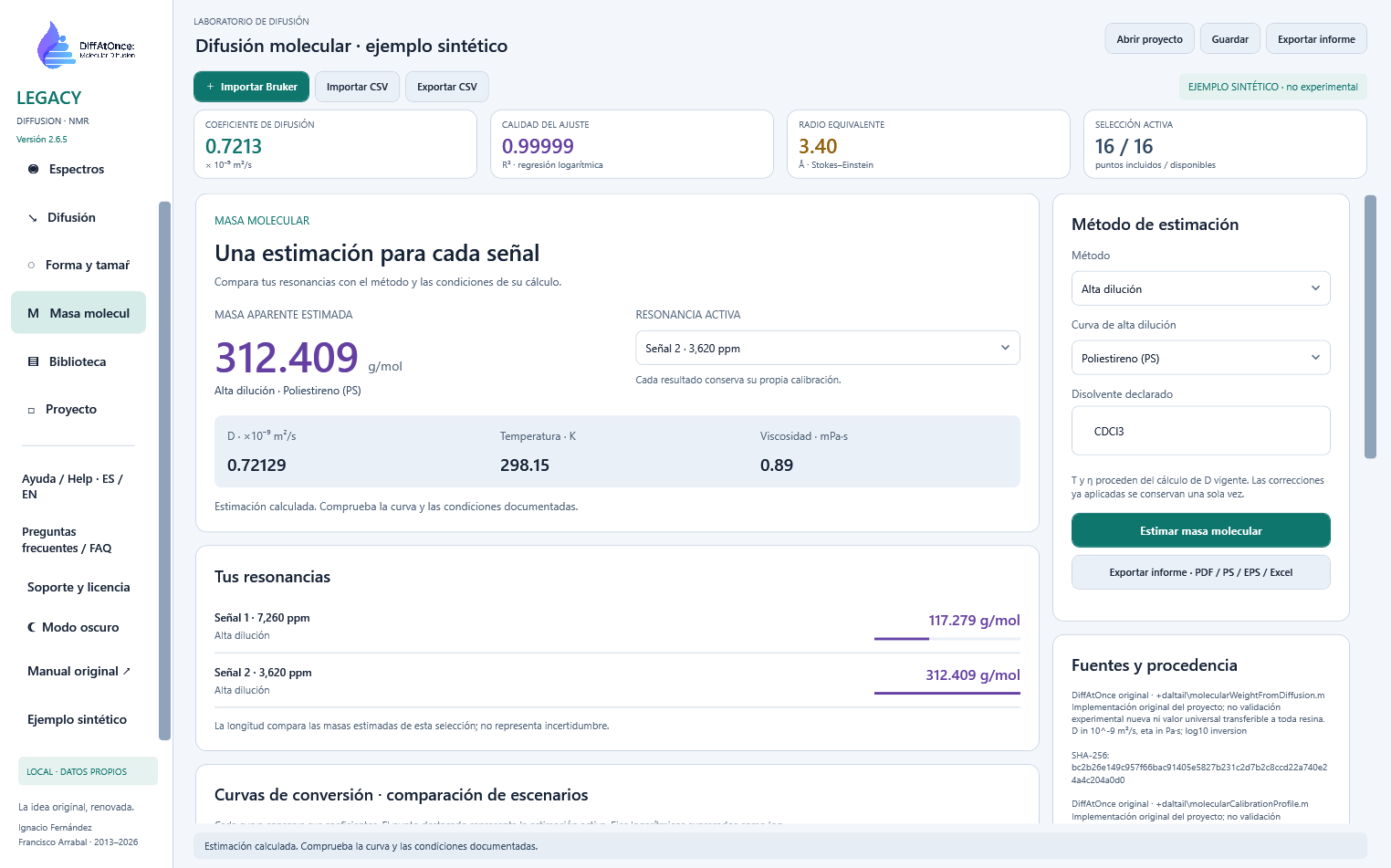
PS/PPG at high dilution or the shared concentration model; mass, effective conditions and resonance comparison in a card without an equation.
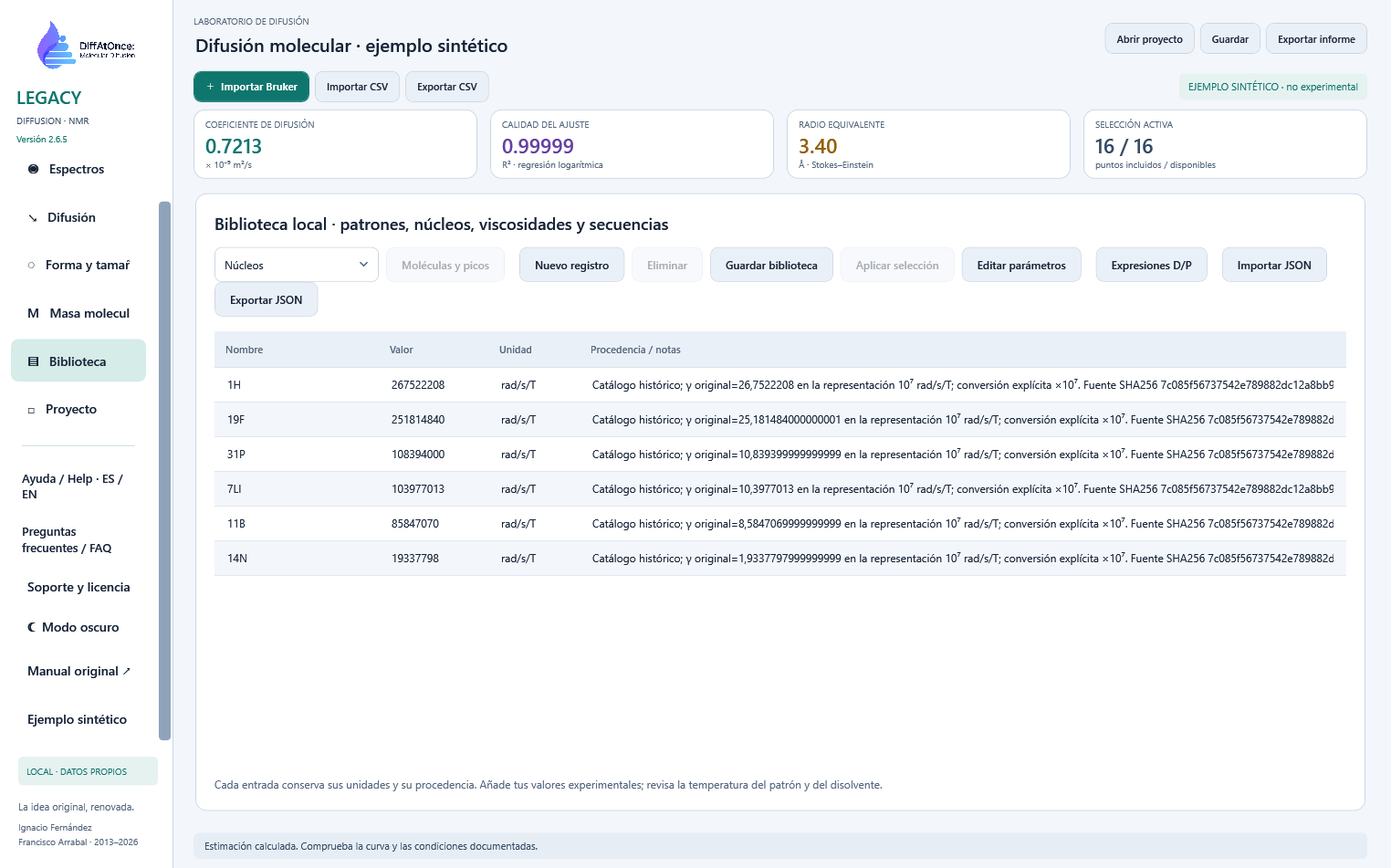
Editable standards, nuclei, viscosities and sequences with units, provenance and JSON interchange.

Notes, provenance and legacy recovery; JSON projects and PDF, PS, EPS, Excel and CSV reports.
LEGACY 2.9.1 · reference-selector-20261011
Internal version 2.9.1 · build reference-selector-20261011. Local software verification, not experimental validation. Historical downloads and documents are retained; calibrations and stored results are unchanged. Installation on a clean Windows system has not been performed.
Review method and conditions →The probe library is stored in %LOCALAPPDATA%\DiffAtOnce-Legacy\probe-profiles.json. The access identity is protected for your user in %LOCALAPPDATA%\DiffAtOnce\Installations. Updating does not require deleting those folders. Do not delete or edit the identity to resolve a block; preserve the data and contact support.
Distribution build: reference-selector-20261011. The internal application version remains 2.9.1; this identifier distinguishes the updated package.
61.8 MiB · SHA-256
7fc0b96687f797214ab8e74d620a7370d3a49251a2ea1e5b4992167d3062f653Remote access control uses the same protocol as Prime and ResinAtOnce. It checks at startup and every 15 minutes; offline use is limited by the last signed authorization, 24 hours by default. Blocking never deletes projects.
No protection mechanism is invulnerable to modified clients. Older versions do not include this control.
Legacy support →DIFFATONCE LEGACY · WEB / WPF
Spectra and local maxima, calibration and R², diffusion, shape and reports. Six guides with narration, captions and chapters.
DIFFATONCE / MOLECULAR DIFFUSION